
Profit Profiles
In PressCal your profit isn't a percentage you keep in your head — it lives in Products. Every product there is a pricing profile: pick it in Costing and your prices apply themselves, while quantity, paper and machine stay per-job. The ground rule: cost + profit = final price, always. Cost comes out of your machines and paper as you set them up; the product only puts the profit on top. Even a price below cost never makes your profit vanish — it is simply added.
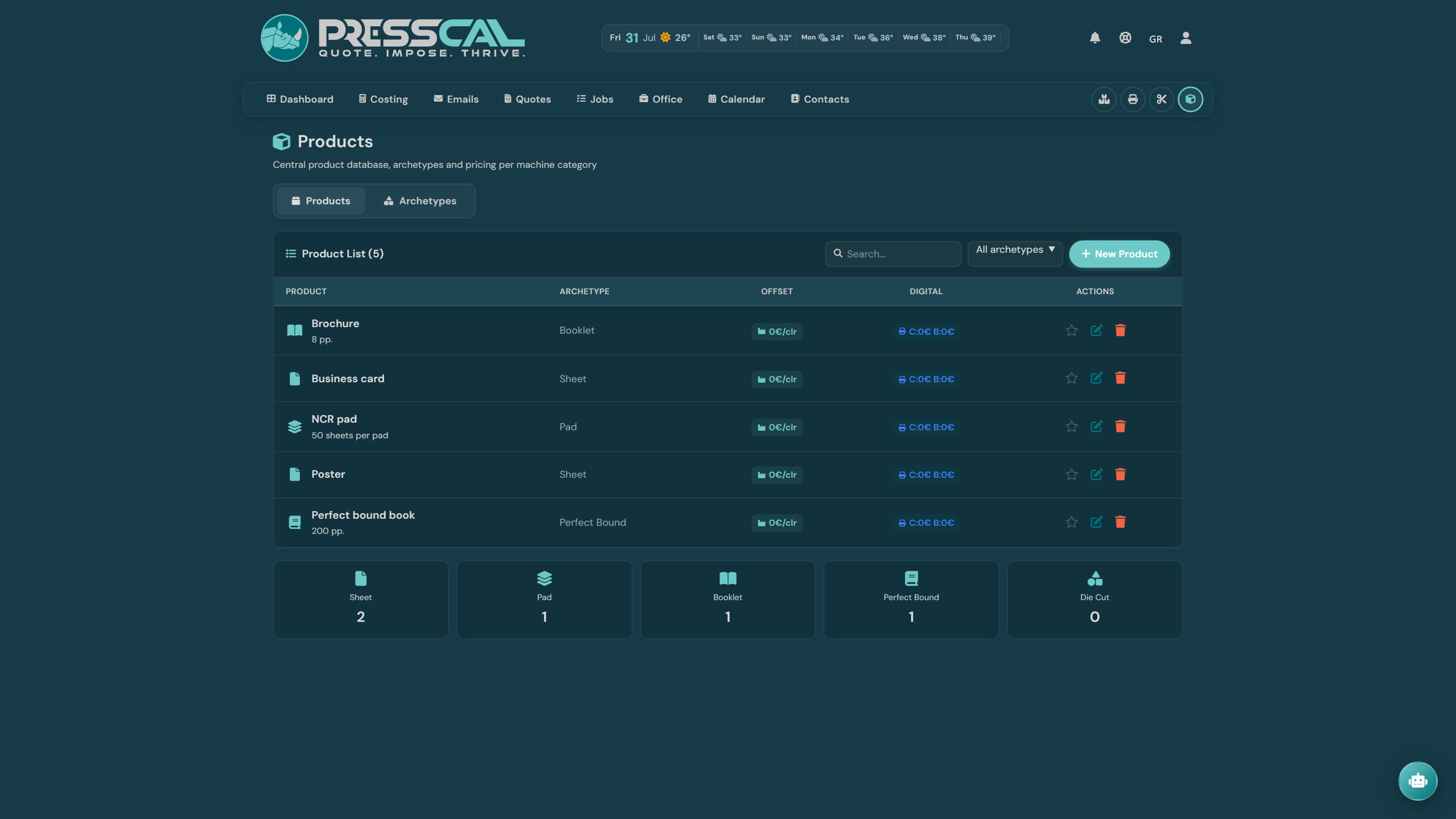
Archetypes: from pieces to sheets
Every product plugs into an archetype, which decides how the customer's quantity becomes production units:
- Sheet — single leaves: flyers, posters, cards.
- Pad — quantity × sheets per pad.
- Booklet — quantity × pages ÷ 4 (saddle-stitched).
- Perfect Bound — quantity × pages ÷ 16 + covers.
- Die Cut and Custom (× multiplier).
The calculator only shows products of the archetype you're working in; the favourite (star) is preselected.
Digital: price per click
Price Color € and Price B/W € — what you charge (as profit) for each A4 face. Duplex = two clicks per sheet. When the sheet crosses the machine's A4/A3 Threshold, the click counts ×2 — the same rule your service contract applies to cost, so price and cost scale together.
Offset: price per color
Charge/Color € × the job's plates (front + back; with Work & Turn one set counts). Extra Pantone € per PMS color, and Extra Varnish € when the job carries varnish.
Quantity discount
Quantity Discount: with Step (pcs) and Reduction %, every full step beyond the first cuts that percentage off the profit — e.g. step 500 / 5%: at 1,000 pcs −5%, at 1,500 −10% — up to Max %. The discount counts product pieces, not production sheets.
Hourly profit
Hourly Profit € adds profit proportional to machine time. Time comes from real speed (digital: faces ÷ PPM; offset: sheets ÷ speed + setup). Long runs pay for the hours they tie up.
Cover (Booklet & Perfect Bound)
Under COVER you set a separate per-click price for the covers — usually heavier stock, its own pass. 0 = use the body prices. You can override it per job in the calculator.
Finishing: two kinds of lines
Under FINISHING you add lines with a type (Per piece, Per sheet, Per face, Fixed total), a name and a price. The MACHINE dropdown decides what the line is:
— informal charge (no machine): a plain extra amount on the job.
Linked to a machine: your price replaces that machine's profit. Its cost never changes — the charge becomes cost + price × base. On guillotine, binding, creasing, folding, gathering and custom machines the cost inside the charge is zero, so your price *is* the charge; on lamination the film stays as cost and your price sits on top. Worth knowing:
- The override applies even when the machine isn't selected on the job — the product is an always-on profile.
- No double billing: select the machine too and its charge is already the product's.
- The breakdown says it openly: "Guillotine ← trim (product override)".
- A manual discount on that slot applies on top of the product's amount.
- If the machine is ever deleted, the line falls back to an informal charge — it never disappears silently.
- A price of 0 is valid and survives saving — a named line stays on the product.
Example: "Cards 9×5"
Create a product on the Sheet archetype: Price Color € 0.10, plus a finishing line "trim", Per piece 0.05, linked to your guillotine. Cost 1,000 cards: printing charges click cost + 0.10 per face as profit, and the guillotine charges 0.05 × 1,000 = €50 — the same figure whether or not you selected it on the job, and never twice. Next time cards come in, you pick the product and only change quantity and paper.