
Special colors — white, clear, neon
If your machine has a 5th (or 6th, 7th) station for white, gold, clear or neon, PressCal models it as extra stations — and charges the special click separately in every costing.
In the "Colors" step, pick CMYK + Special
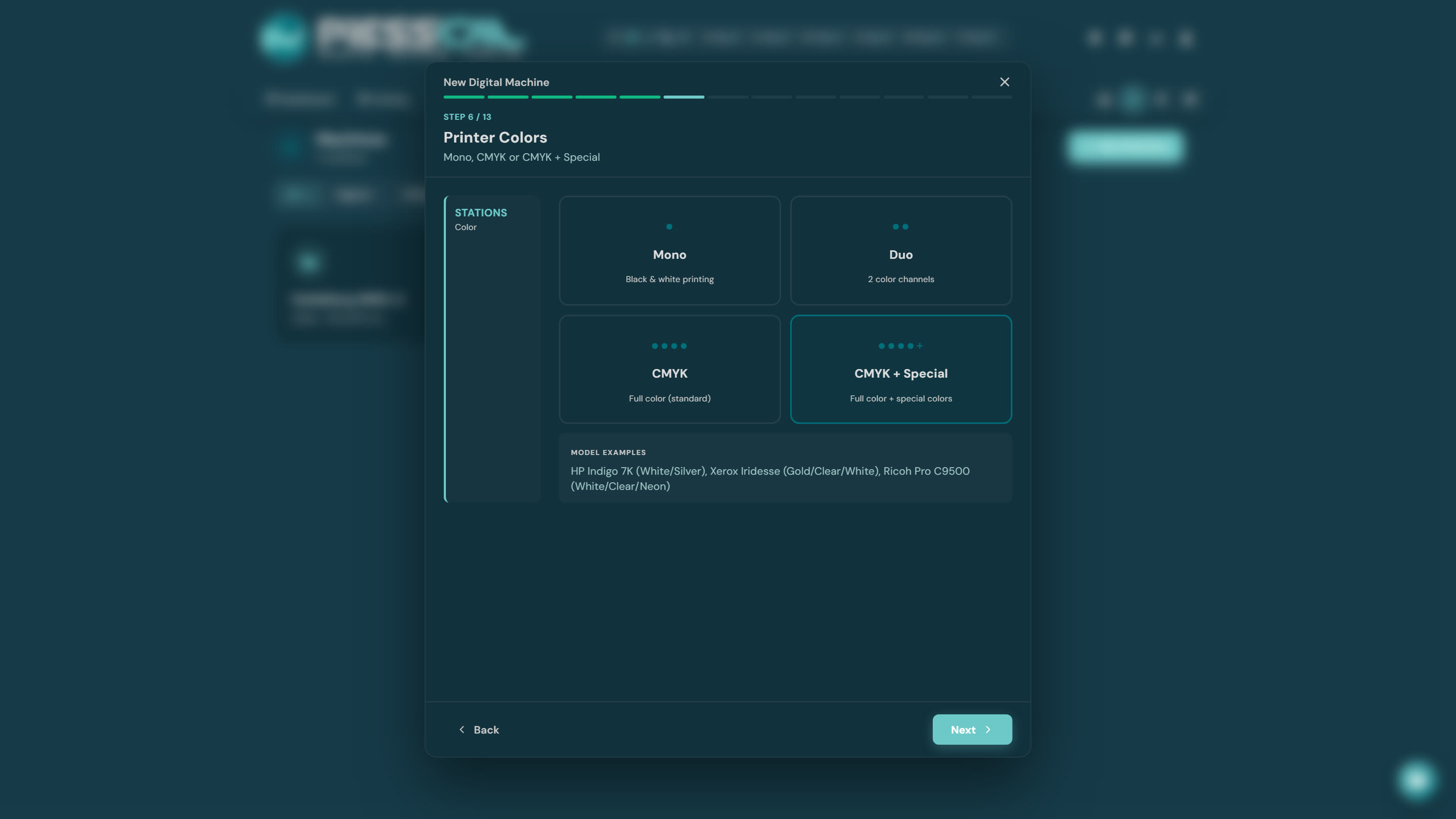
Examples: HP Indigo 7K (White/Silver), Xerox Iridesse (Gold/Clear/White), Ricoh Pro C9500 (White/Clear/Neon).
The extra step: how many stations does the machine have?
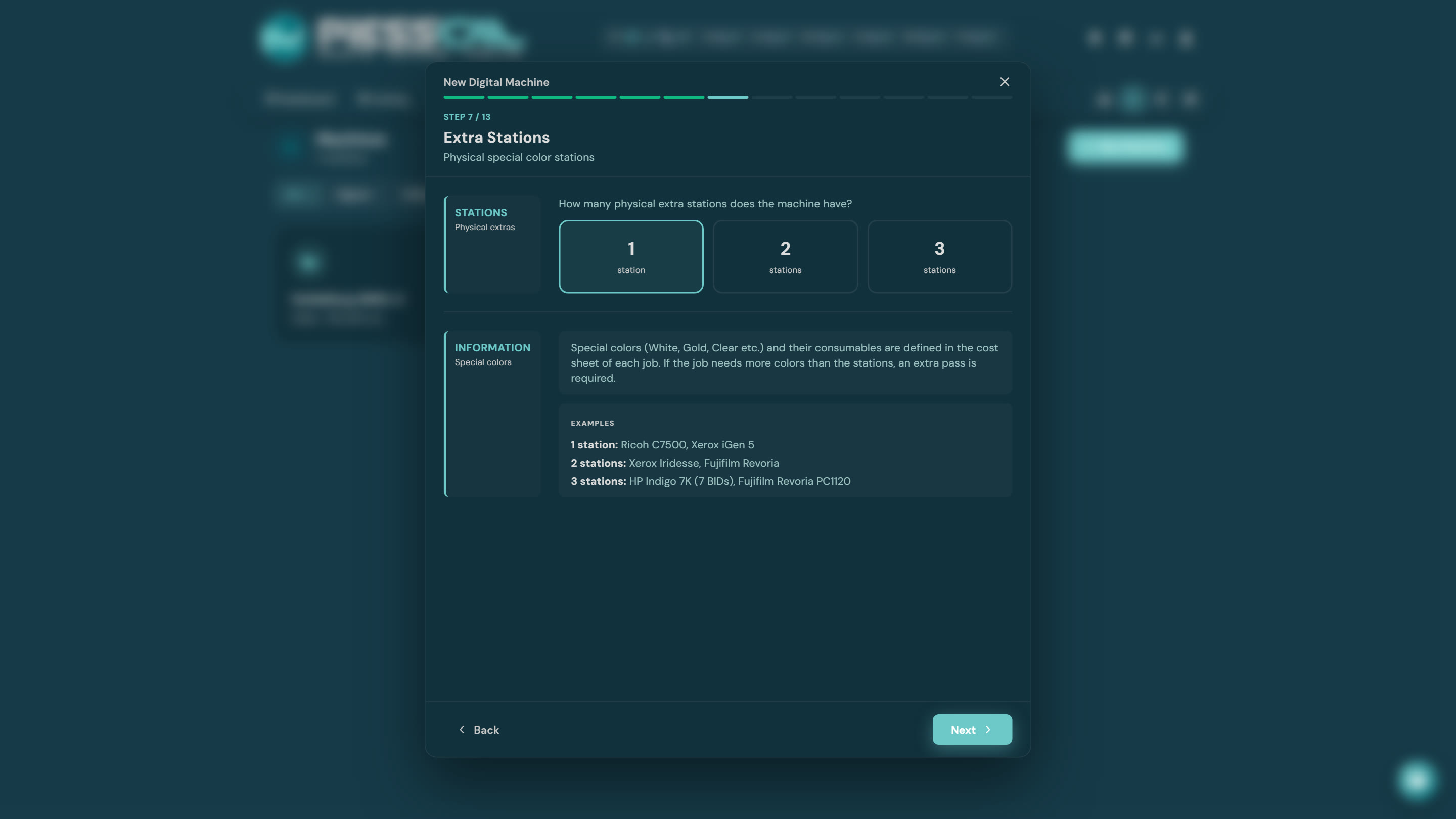
You declare how many physical extra stations the machine has — 1, 2 or 3:
- 1 station: Ricoh C7500, Xerox iGen 5
- 2 stations: Xerox Iridesse, Fujifilm Revoria
- 3 stations: HP Indigo 7K (7 BIDs), Fujifilm Revoria PC1120
Which special color sits in each station is not locked here — that's chosen per job, in the costing. And if a job needs more special colors than there are stations, PressCal automatically calculates an extra pass.
The special click in the cost step
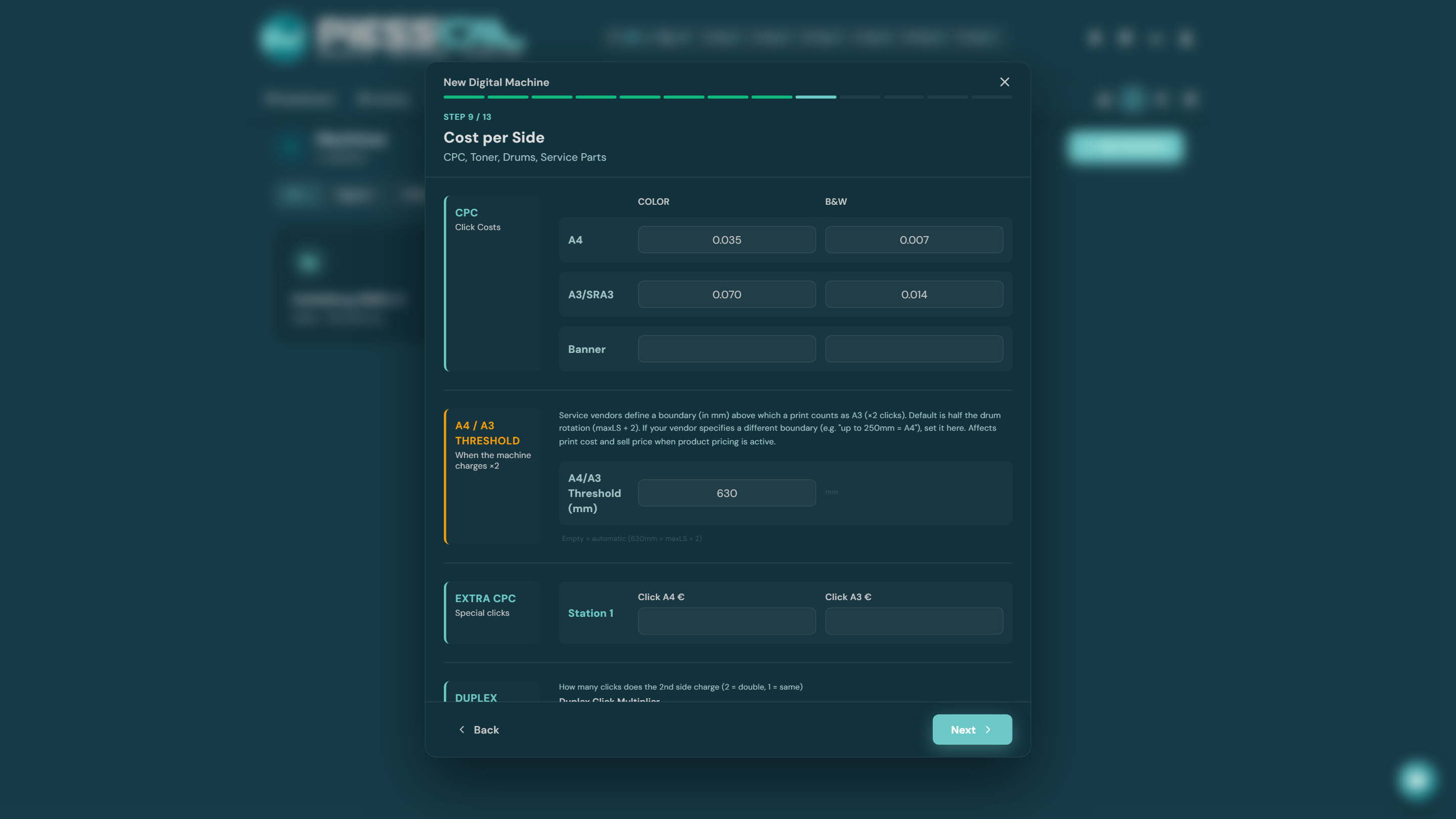
The "Cost per Side" step gains an Extra CPC section: the special color's click price per station, separately for A4 and A3. Service contracts price white/clear clicks above the CMYK click — which is why it's entered separately.
Later, in a costing, you tick "white" on the job and its cost drops in by itself — correctly reflected in both total cost and sell price.