
Which cost model should I pick?
The "Cost Model" step is the decision most people sweat over — so here's when each one fits. Good news: you can change it later without redoing the machine.
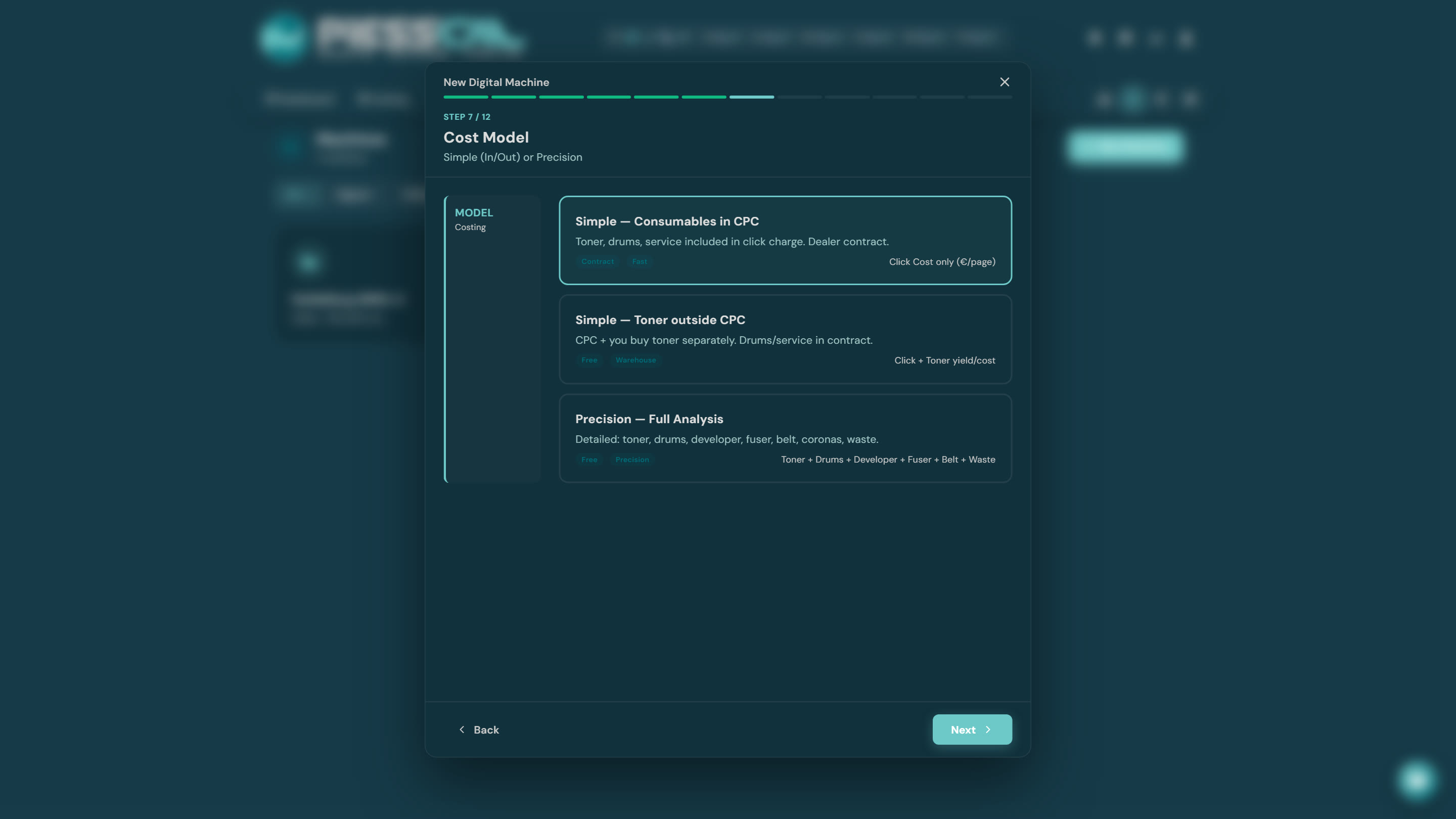
Simple — Consumables in CPC (the usual one)
You have a service contract with your dealer and pay a price per click that includes toner, drums and service. Enter the 4 click prices (A4/A3, color/B&W) and you're done — your cost per page is known and stable.
Pick it if: you have an active CPC contract. That's 80% of print shops running digital.
Simple — Toner outside CPC
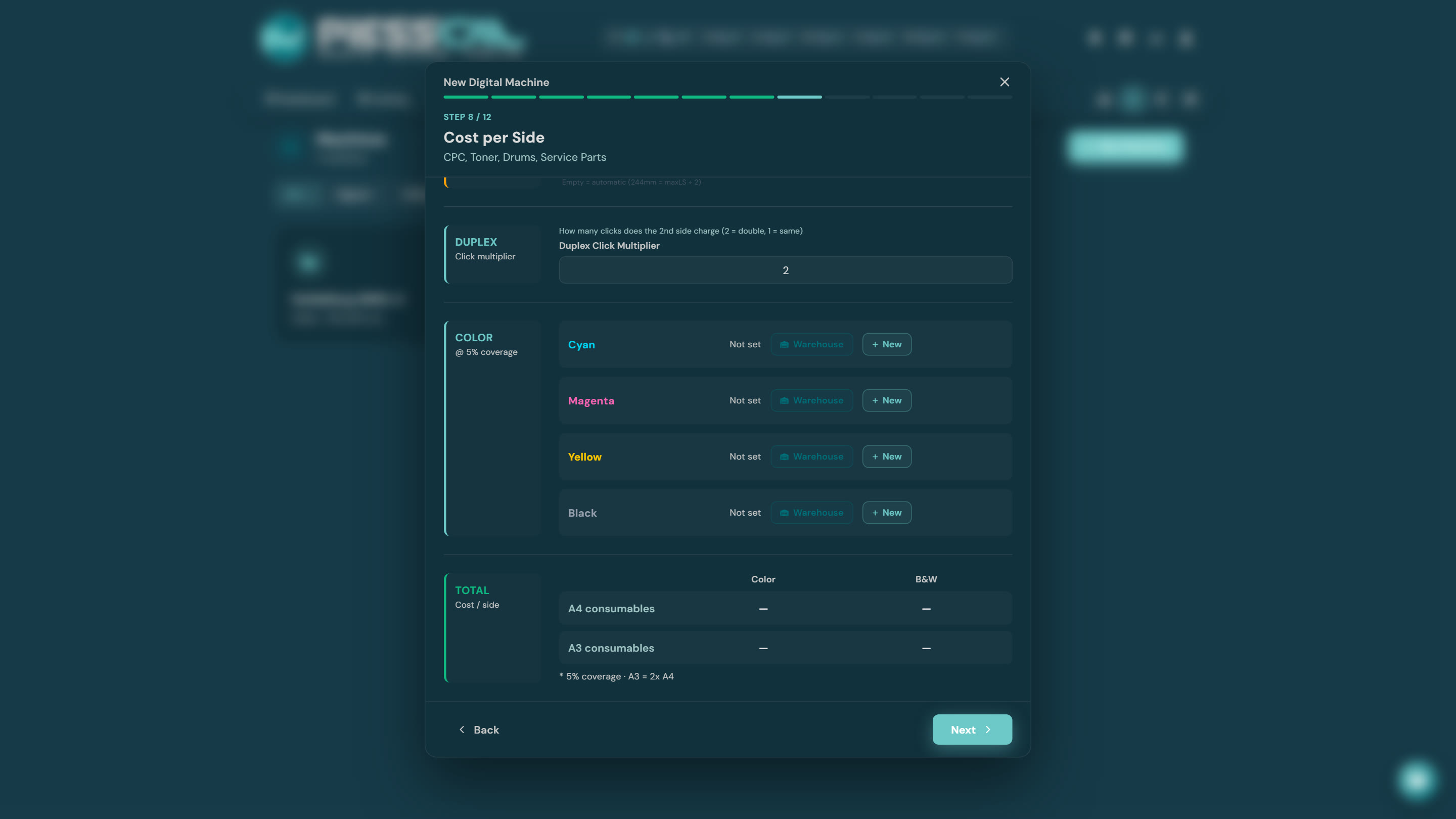
You pay a click for drums/service, but you buy the toner yourself. You link each color (C, M, Y, K) to a consumable from your Inventory — or create one on the spot — and PressCal derives cost per page from the toner's yield (pages at 5% coverage). The TOTAL table at the bottom shows the cost per side building up live.
Pick it if: the machine is off contract, or the contract covers service only, not consumables.
Precision — Full Analysis
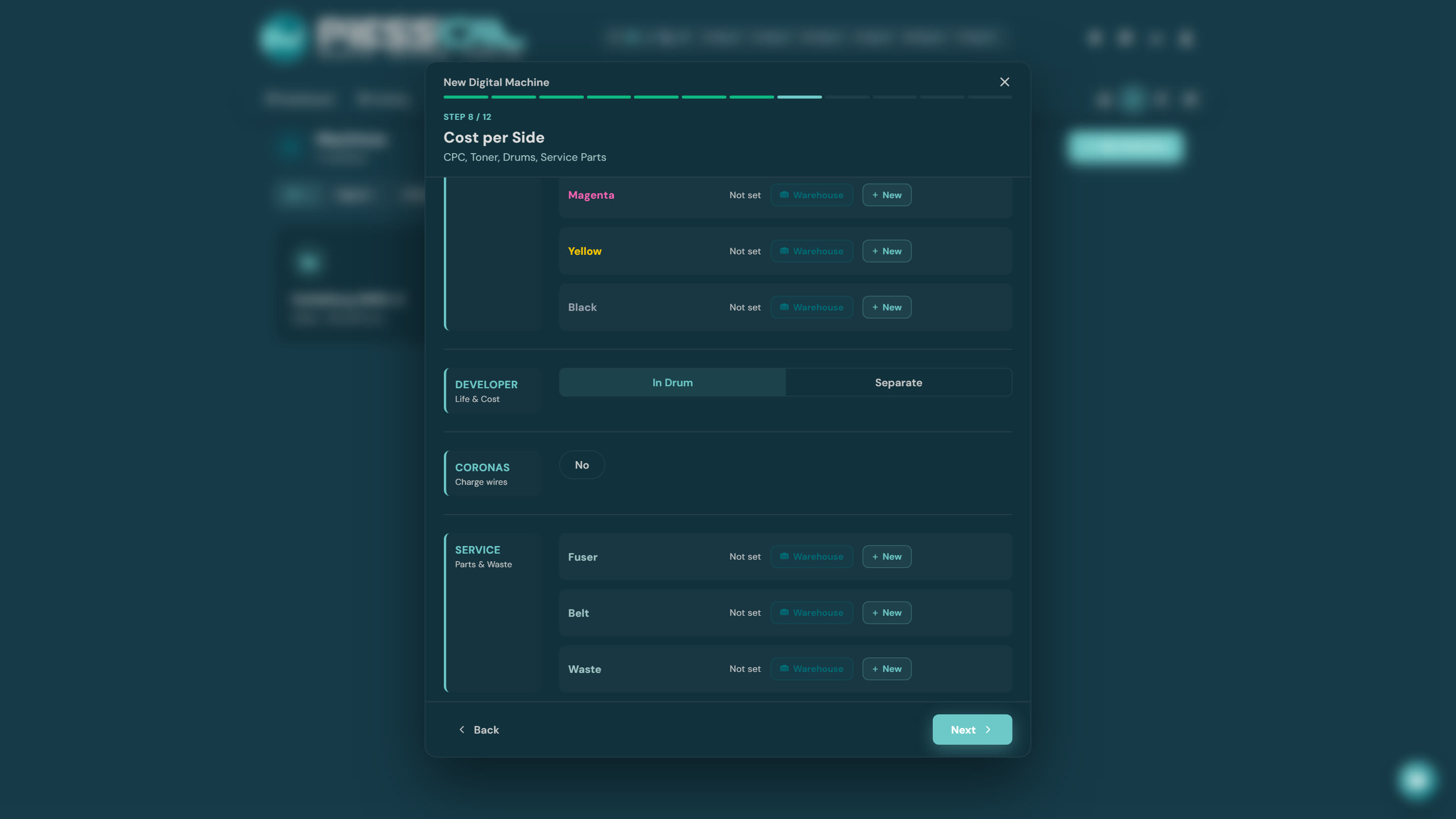
Every consumable itemised: toner, drums, developer, fuser, belts, coronas, waste box — each with its price and yield. Maximum accuracy, more setup.
Pick it if: you run long jobs where a tenth of a cent per page matters, or you want to know exactly where the machine's cost goes.
Can I change later?
Yes. Open the machine from the Machines page and switch the model — future costings use the new one. Old saved quotes are untouched.